
Onboard to the Proxmox Virtual Server system • You do not have any eduID Luxembourg credentials
Step 1
Restena must first create local accounts for each account administrator. To do this, your full name (first and last) and email address must have been provided in advance to the team managing the 'Virtual Server' service.
Step 2
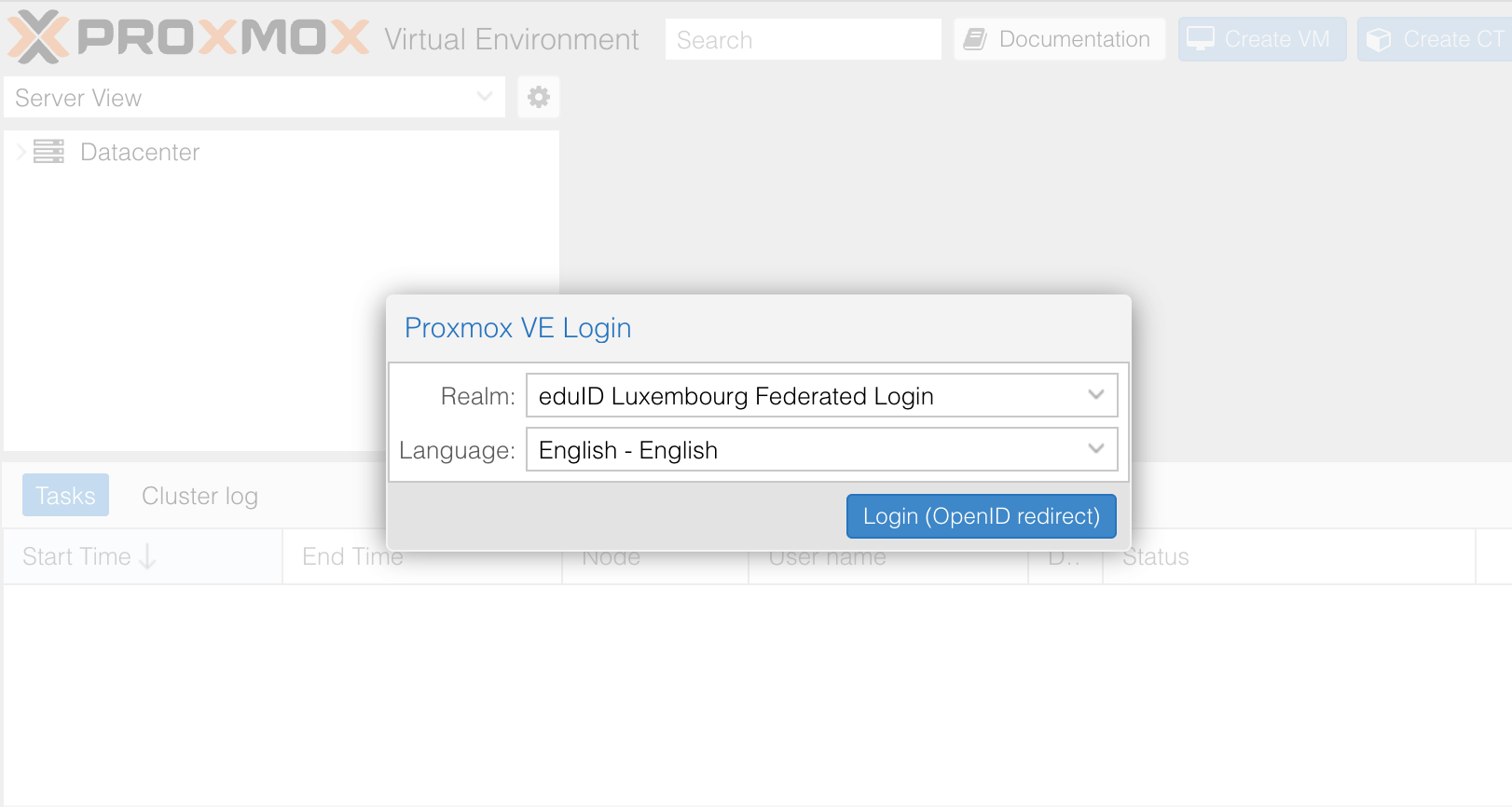
Go to the generic address https://virt-hosting.restena.lu/, a Proxmox VE Login pop-up opens up.
Step 3
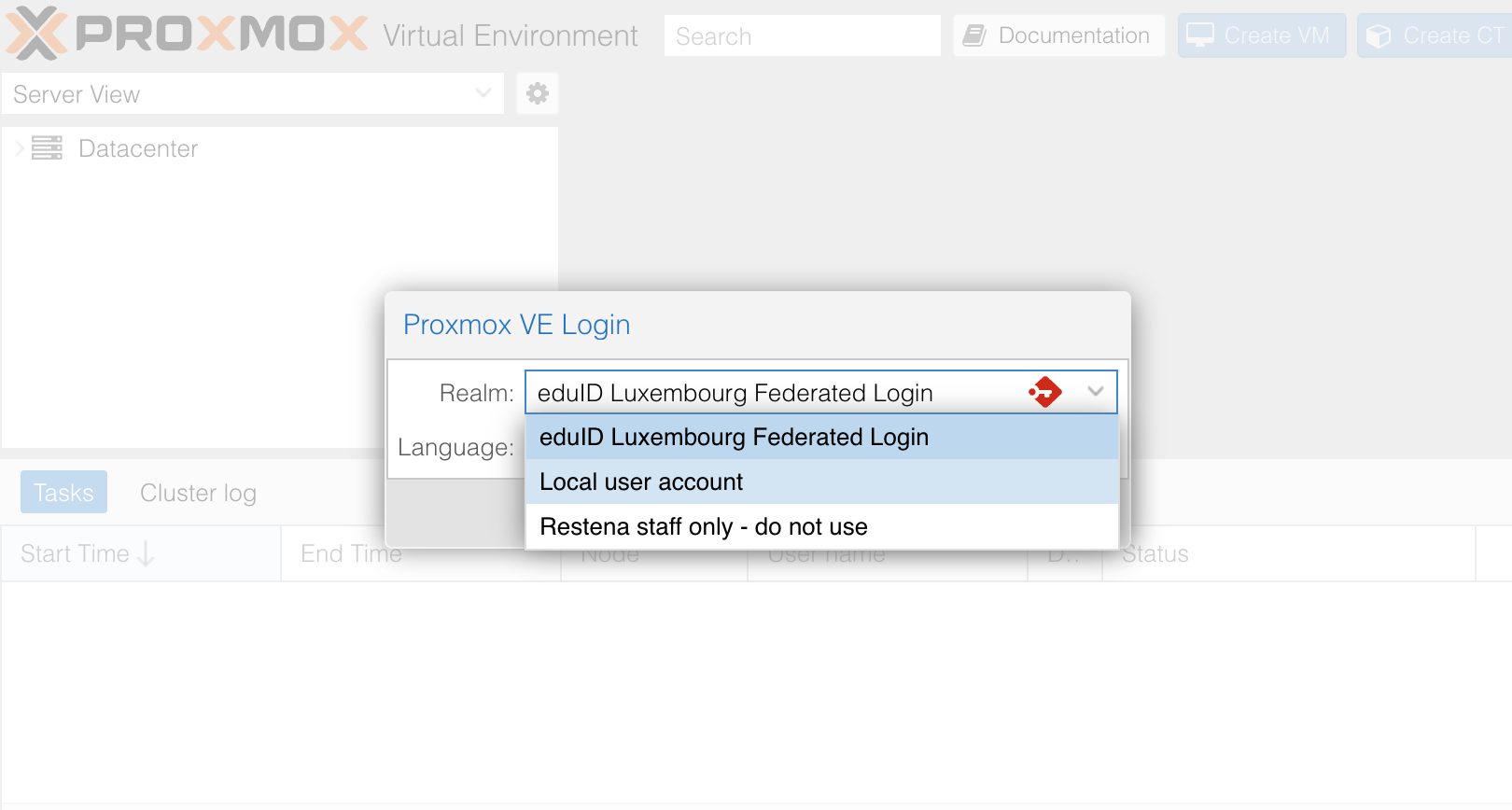
Click the drop-down list for the ‘Realm’ field and select ‘Local user account’
Step 4
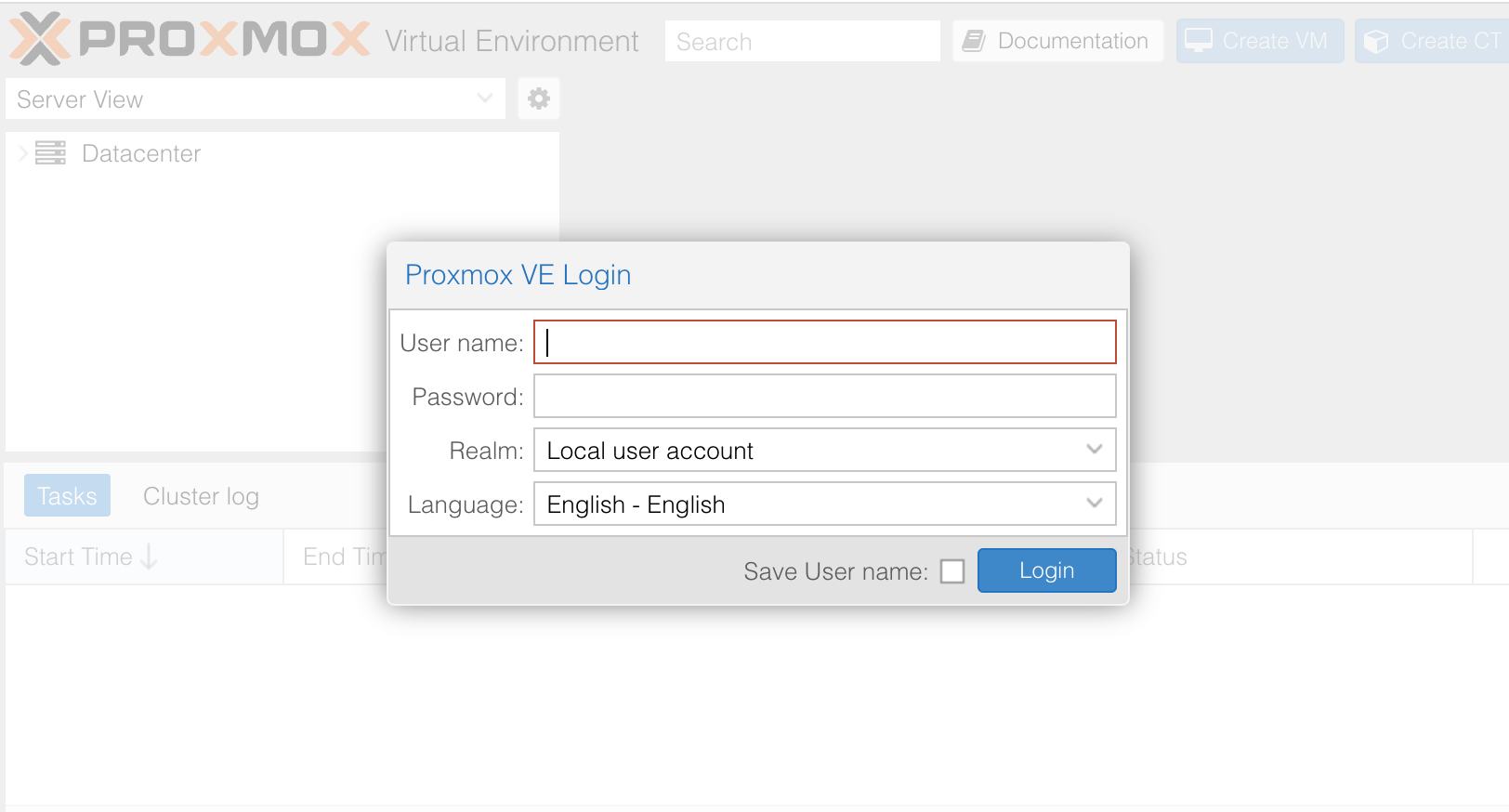
In the designated fields, enter the user name and password you are currently using to connect to the Virtual Server, then click on the blue button ‘Login’.
Step 5
You have now accessed your Proxmox Virtual server dashboard.