
Onboard to the Proxmox Virtual Server system • You have eduID Luxembourg credentials
Step 1
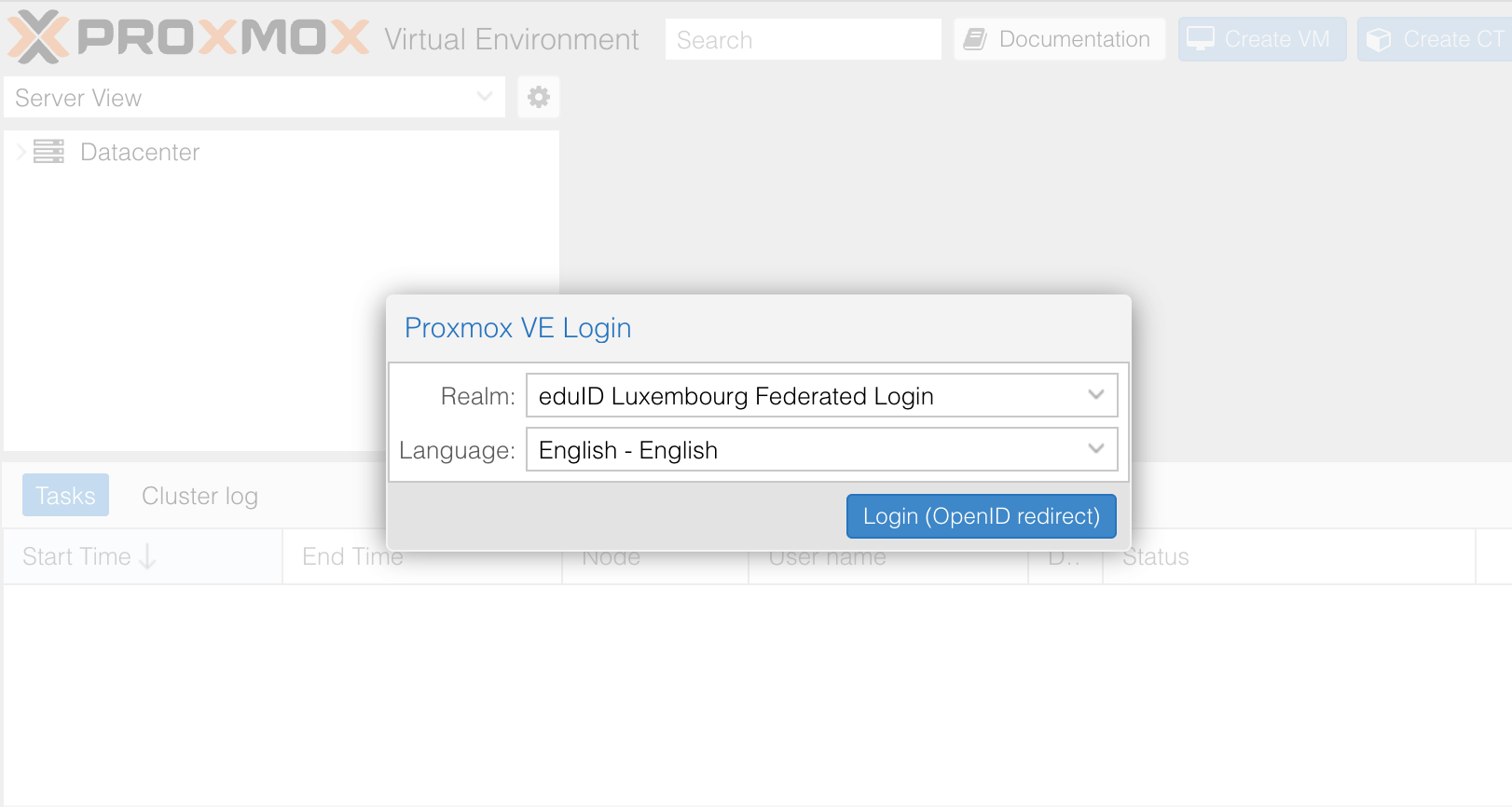
Go to the generic address https://virt-hosting.restena.lu/, a Proxmox VE Login pop-up opens up.
Step 2
The ‘Realm’ field is pre-selected as ‘eduID Luxembourg Federated Login’, you can directly click on the blue button ‘Login (OpenID redirect)'.
Step 3
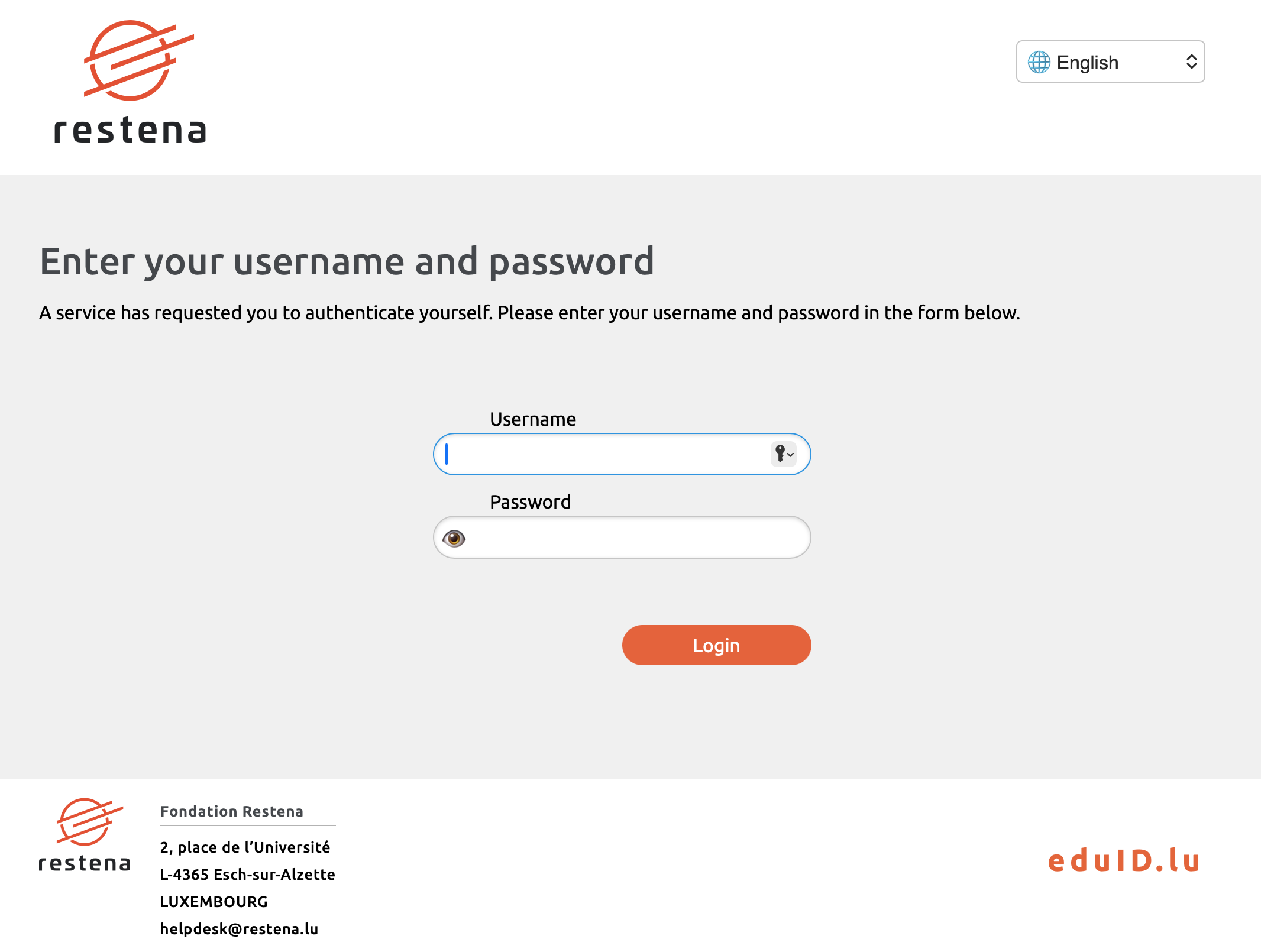
You are now redirected to the eduID.lu authentication webpage managed by your institution or Restena (as shown in the attached screenshot).
Step 4
Enter your username and password in the corresponding fields, then click on the orange button ‘Login’
Step 5
You have now accessed your Proxmox Virtual server dashboard.